Roll Over to a Later Maturity
Move matured PT, or LP before or after maturity, into a later market of the same asset.
Roll over moves a position into a later market of the same asset in one flow, instead of redeeming and buying again. It never happens automatically: you start each roll-over.
Roll over PT at maturity
- Start from the matured market's trade panel (Roll over), Portfolio → Fixed Rate (PT) → Roll over, or the Roll over … card under Needs attention.
- Under You roll over, keep your whole balance or choose a part. Redeems for shows what it is worth today.
- Under Into, choose the later market. Each option shows its fixed APY; Compare markets opens the full list.
- Check You receive: the PT of the new market and what it should redeem for at its maturity.
- Select Review roll-over of … PT, then check Review roll-over: Maturity, Fixed APY, Worst-case fixed APY, Minimum received and Rate slippage.
- Confirm the PT approval (if needed) and the roll-over in your wallet.
- Wait for PT rolled over, then select View the new market.
Only later markets that quote a positive fixed APY for your amount are offered. If none can take your whole amount at a positive rate, the form says so and can suggest the largest amount that works. To exit instead, choose Redeem on the same panel and follow Redeem Principal Tokens.
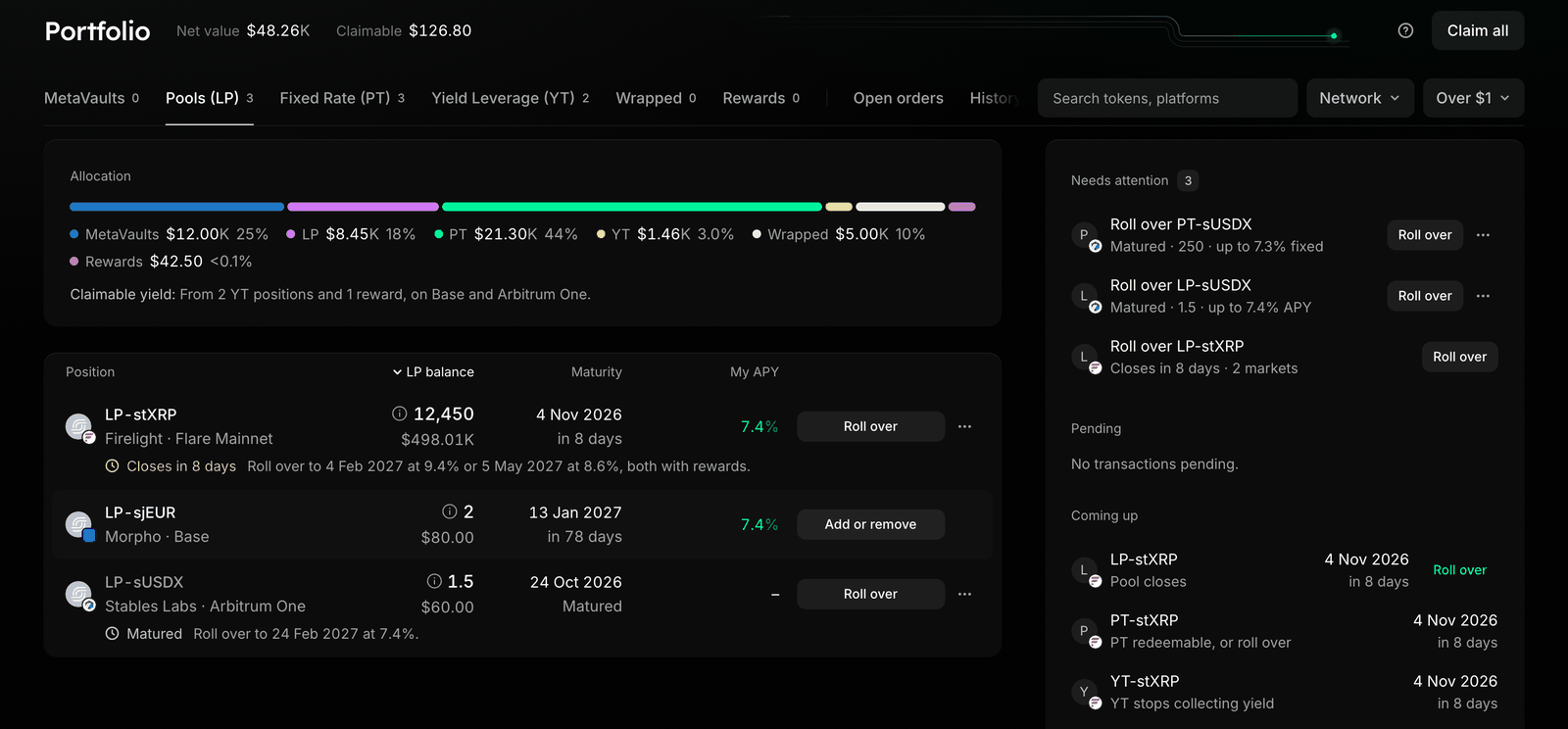
Illustration with a sample account; your positions will differ.
Roll over liquidity
- On the market's Pools tab, choose Roll over. It appears when you hold this pool's LP and a later pool exists. You can also use Roll over on the LP row in Portfolio → Pools (LP), or Or roll over into a later market under the Remove form.
- Under You roll over, enter the LP amount. Before maturity, the YT you hold for this pool moves with your liquidity, because the pool's PT is redeemed with it.
- Under Into, choose the later pool.
- Select Review roll-over, check the amounts and Roll-over slippage, then confirm the LP approval, the YT approval (when YT moves) and the roll-over in your wallet.
- Wait for LP rolled over, then select View the new pool.
Markets that are closing
From 14 days before maturity, a market with a later market available shows This market is closing. The notice states the maturity date and links to the new market. In the maturity menu, the later markets appear under Roll over to.
Roll-over uses the new market's price at the time of the transaction. Check the fixed APY, minimum received and slippage in the review, as you would for a new purchase.